
D.S.T. documentation
Databases Searching Tool documentation
Operational documentation for the current desktop scheduler release: installation, Search Profiles, controlled SQL Server search, Search Memory, scheduled searches, Windows tray runtime, Start with Windows, scheduled shutdown and scoped Agent API access.
This page gives the public web version. The complete offline manual is also available as a standalone HTML file with embedded screenshots and no external dependencies.
Quick start
Install, open, create a profile, search.
The app runs locally on Windows and opens a local browser UI. Keep the default localhost setup unless you have a deliberate and protected remote-access plan.
1. Start locally
Extract the ZIP, run Databases Searching Tool.exe and open http://127.0.0.1:8765.
2. Define a profile
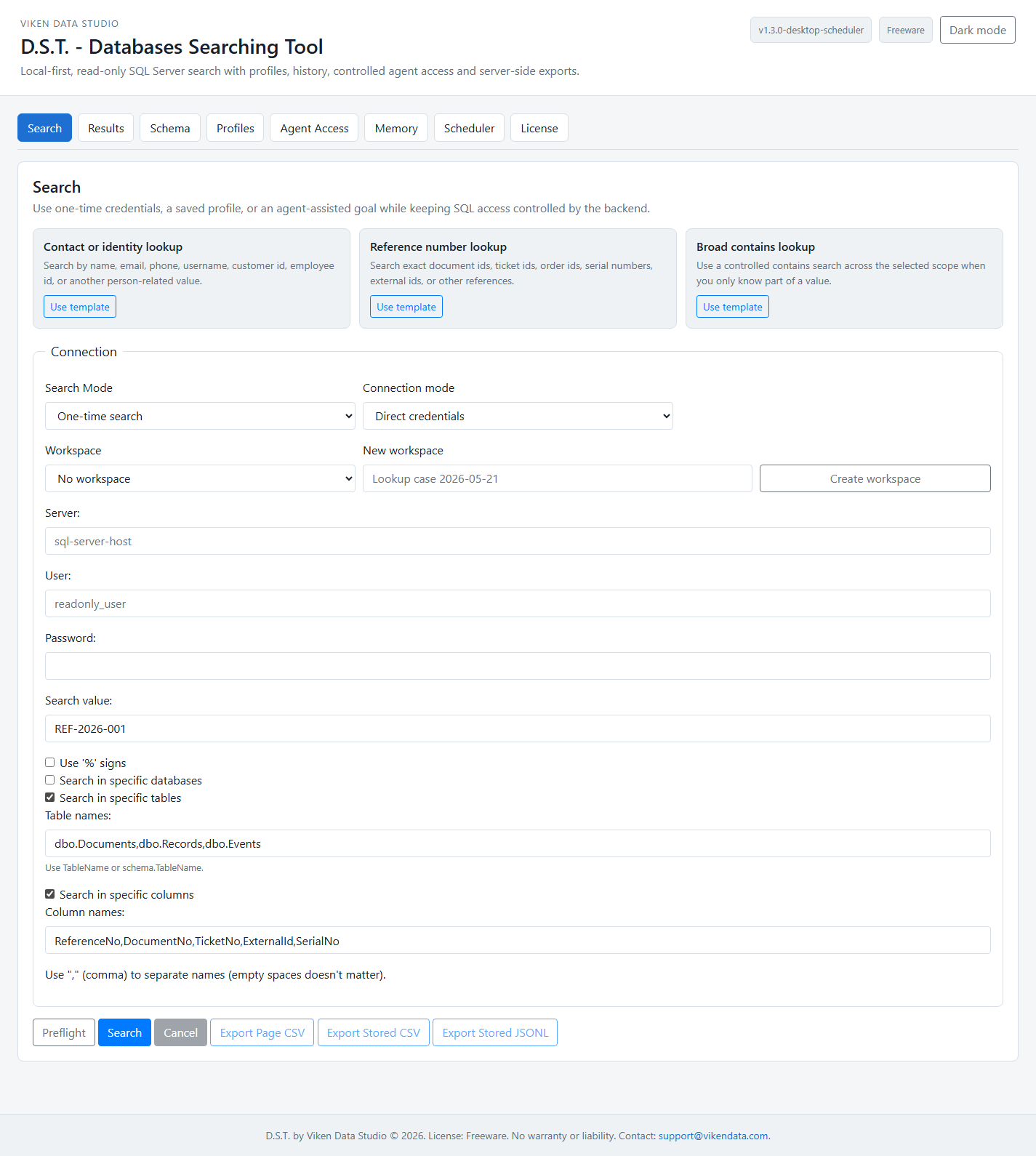
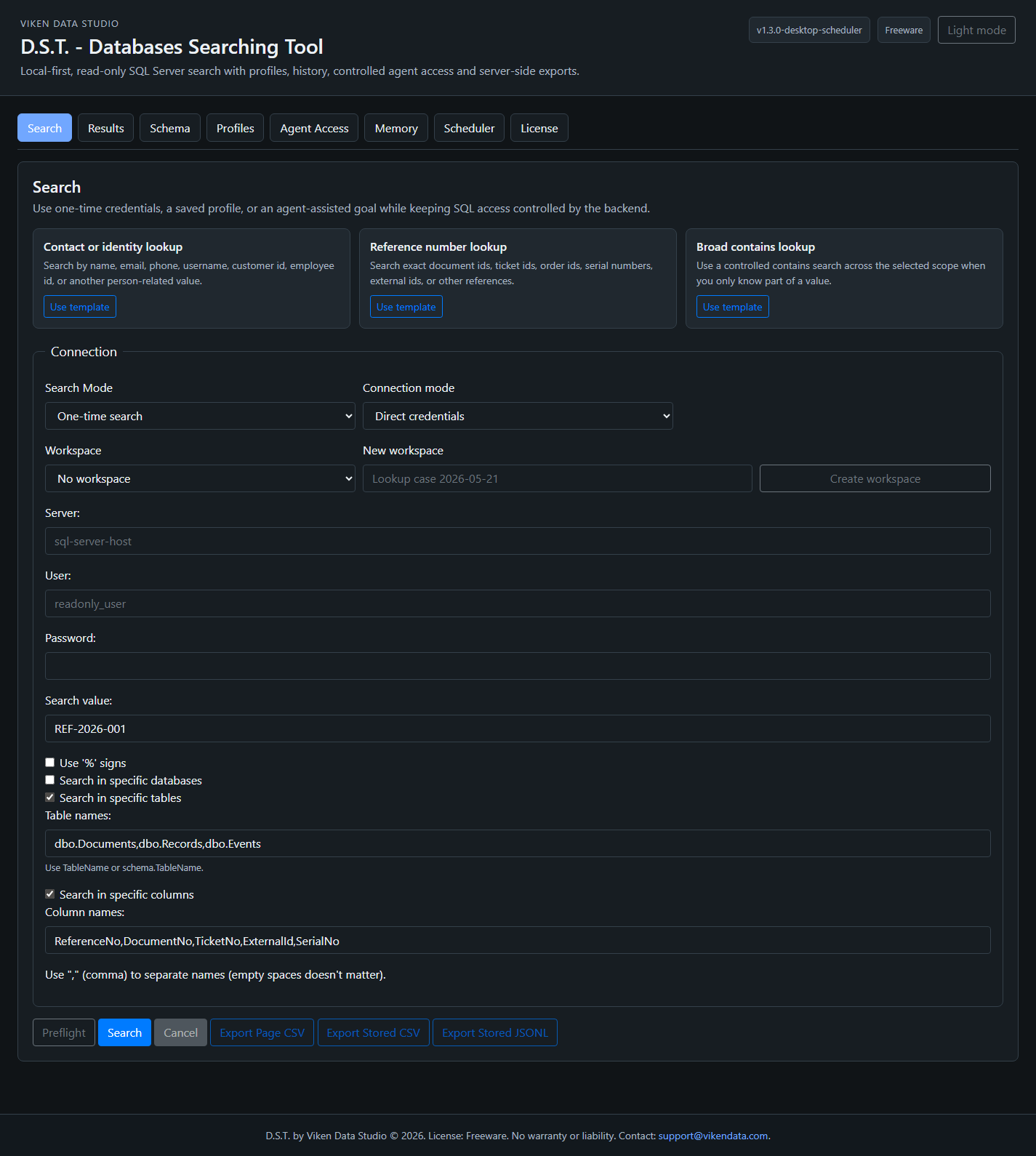
Create a Search Profile with a read-only SQL account, credential source and approved databases, tables and columns.
3. Run preflight
Use Preflight to estimate the scan scope before running a search across operational data.
4. Review memory
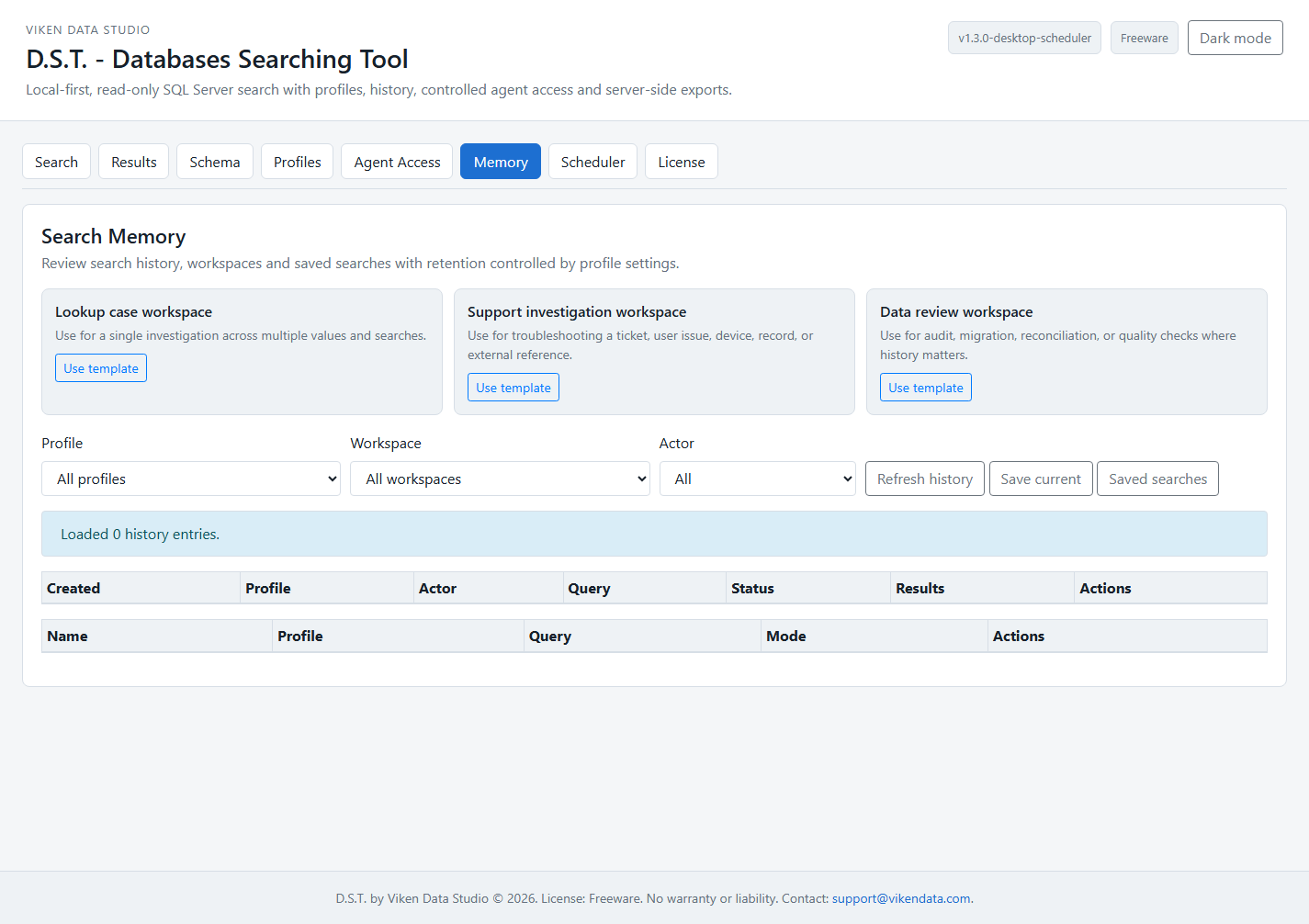
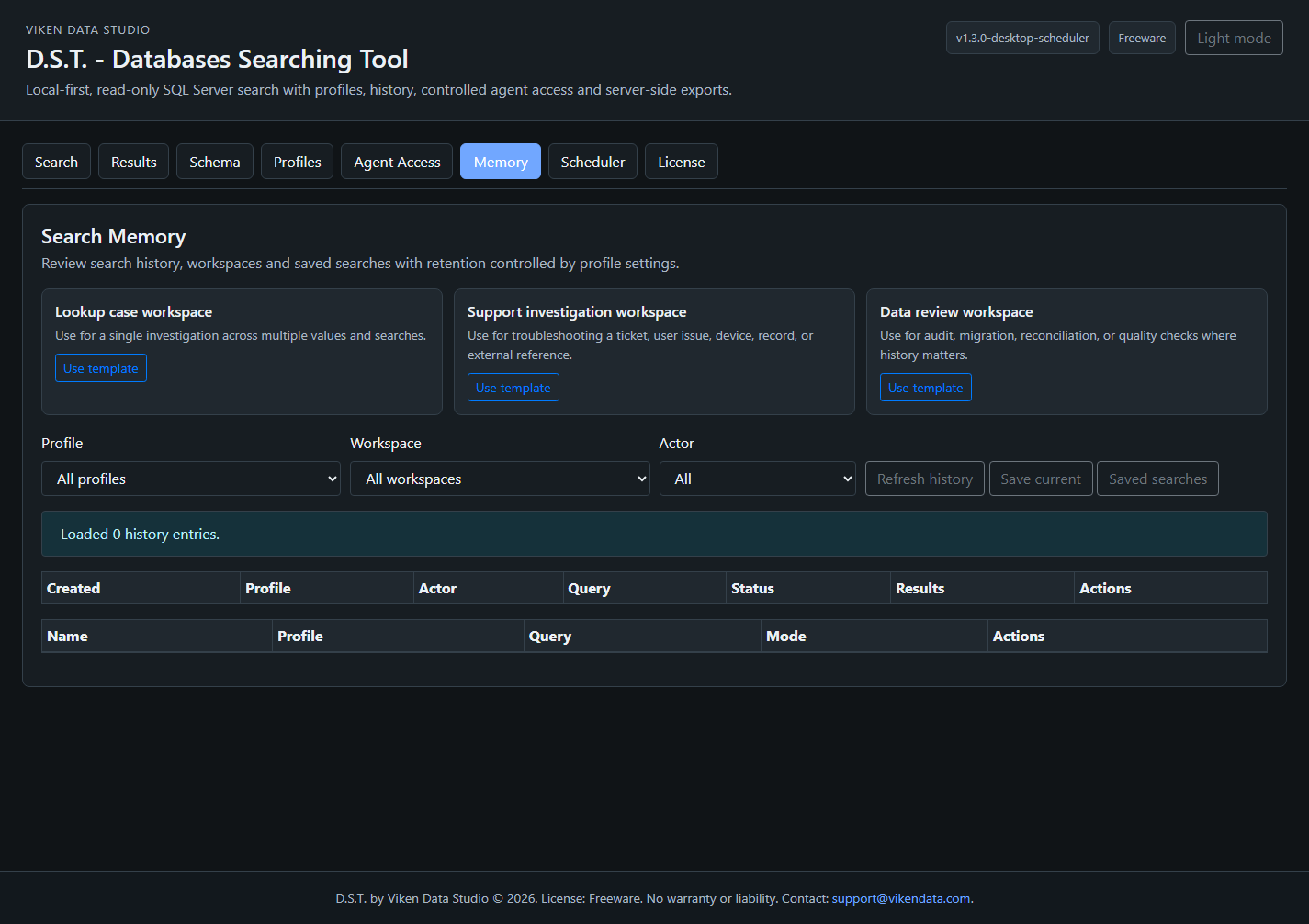
Search results, scheduler runs and agent-accessible history are stored in Search Memory according to profile settings.
Search Profiles
Profiles are the control boundary.
A Search Profile defines where the tool may search and how results may be retained, exported or exposed to an agent. Scheduled searches and Agent API searches must use profiles.
Approved scope
Allowed databases, tables and columns are explicit allowlists. Blank request scope means all items allowed by the profile, not the entire SQL Server.
Credential references
Profiles use environment-variable credential references, Windows Credential Manager or local vault references. API responses do not expose credential values.
Limits
Profiles define preview rows, export rows, page size, timeout and maximum databases/tables/columns per search.
History and visibility
History modes include metadata_only, summary_only, preview_rows and reserved full-row visibility.
Search workflow
Search known values without handing out raw SQL.
D.S.T. supports exact, contains, starts-with and ends-with matching. Human UI actions use CSRF protection; Agent API actions use bearer tokens.
Search Memory
History, workspaces and saved searches are first-class features.
Search Memory is stored locally in SQLite and records human, agent and scheduler runs. Access is filtered by profile and token permissions.
Scheduler
Recurring searches update Search Memory.
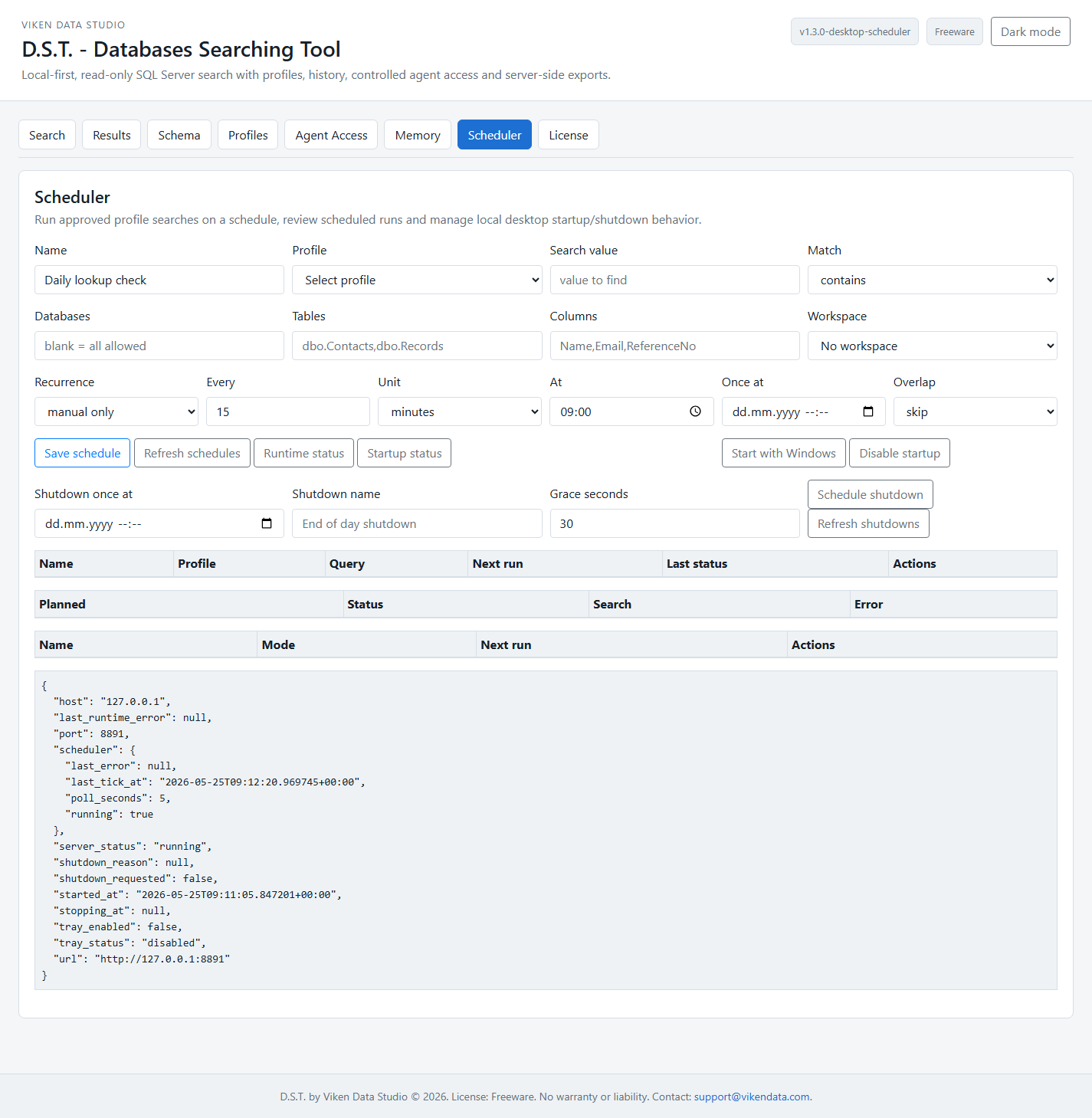
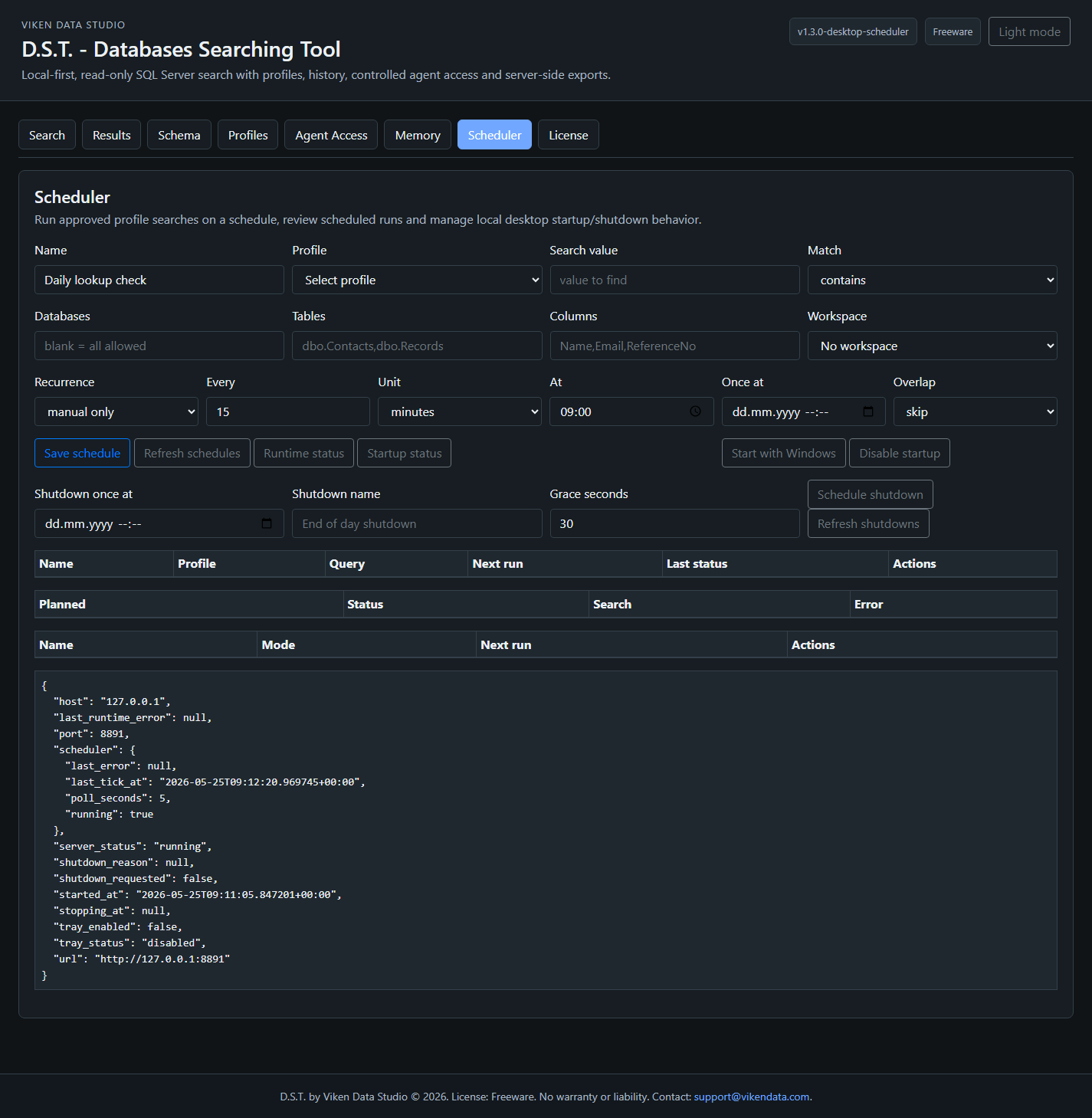
The scheduler runs profile-backed searches on manual, once-at, interval, daily or weekly recurrence. It does not accept direct connection fields or raw SQL.
Allowed recurrence
manual_only, once_at, interval, daily_at and weekly_at.
Overlap policy
Policies include skip, queue and cancel_old, with global and profile concurrency limits.
Agent visibility
Agents can read scheduled searches and runs only when token and profile history permissions allow it.
Desktop runtime
Tray mode, Start with Windows and controlled shutdown.
The final EXE is built as a Windows GUI application, so the tray runtime can run without a console window.
Runtime status
GET /runtime/status reports server status, tray status, host, port, URL and scheduler status.
Start with Windows
Autostart uses the current user's HKCU Run entry and launches the packaged EXE minimized to tray.
Scheduled shutdown
Shutdown schedules support once-at, daily, weekly and after-runtime modes with graceful cancellation of active searches.
Agent API
Agents get scoped search, not database credentials.
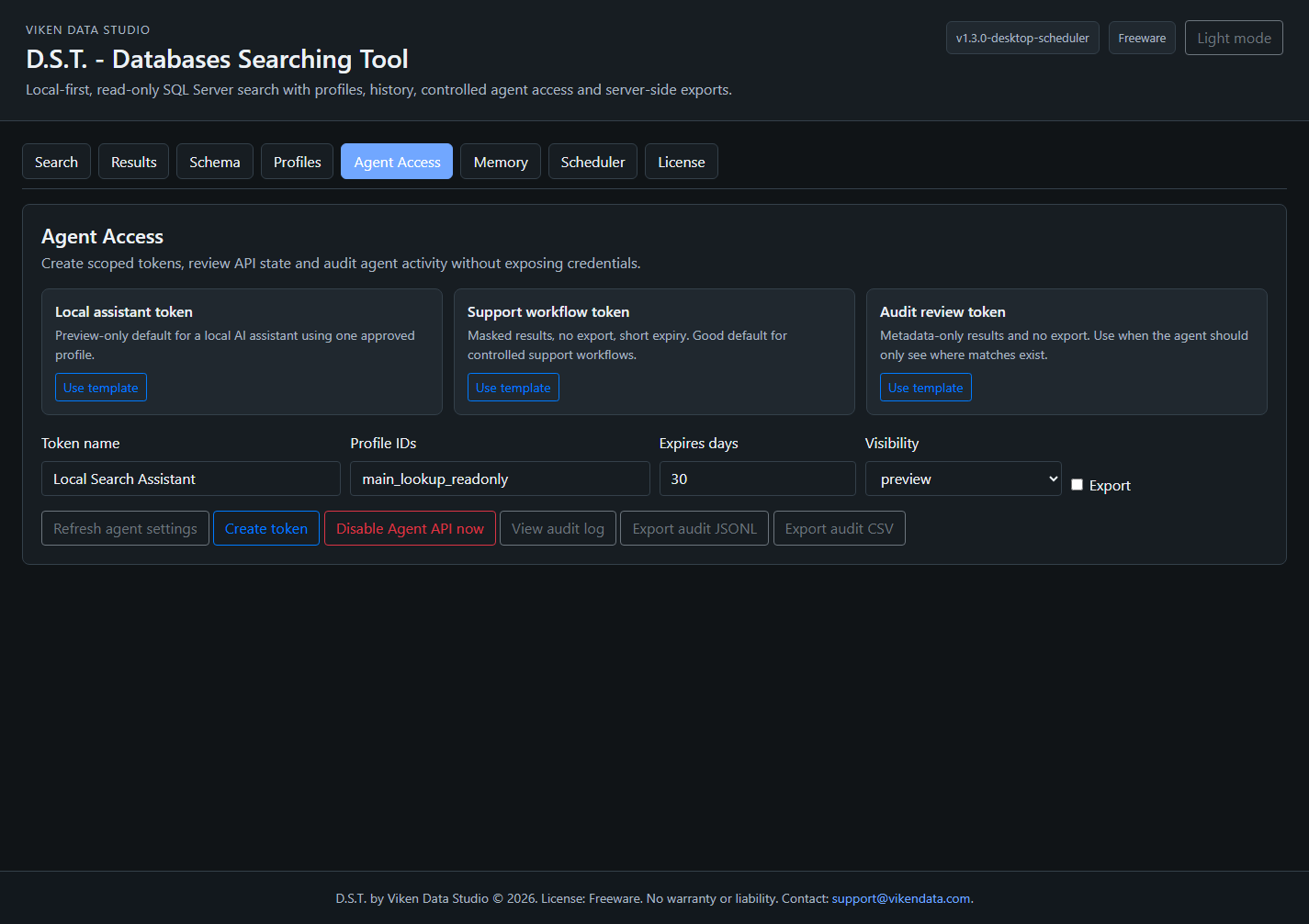
Agent API is disabled by default. When enabled, bearer tokens define profiles, permissions, rate limits, page size and result visibility.
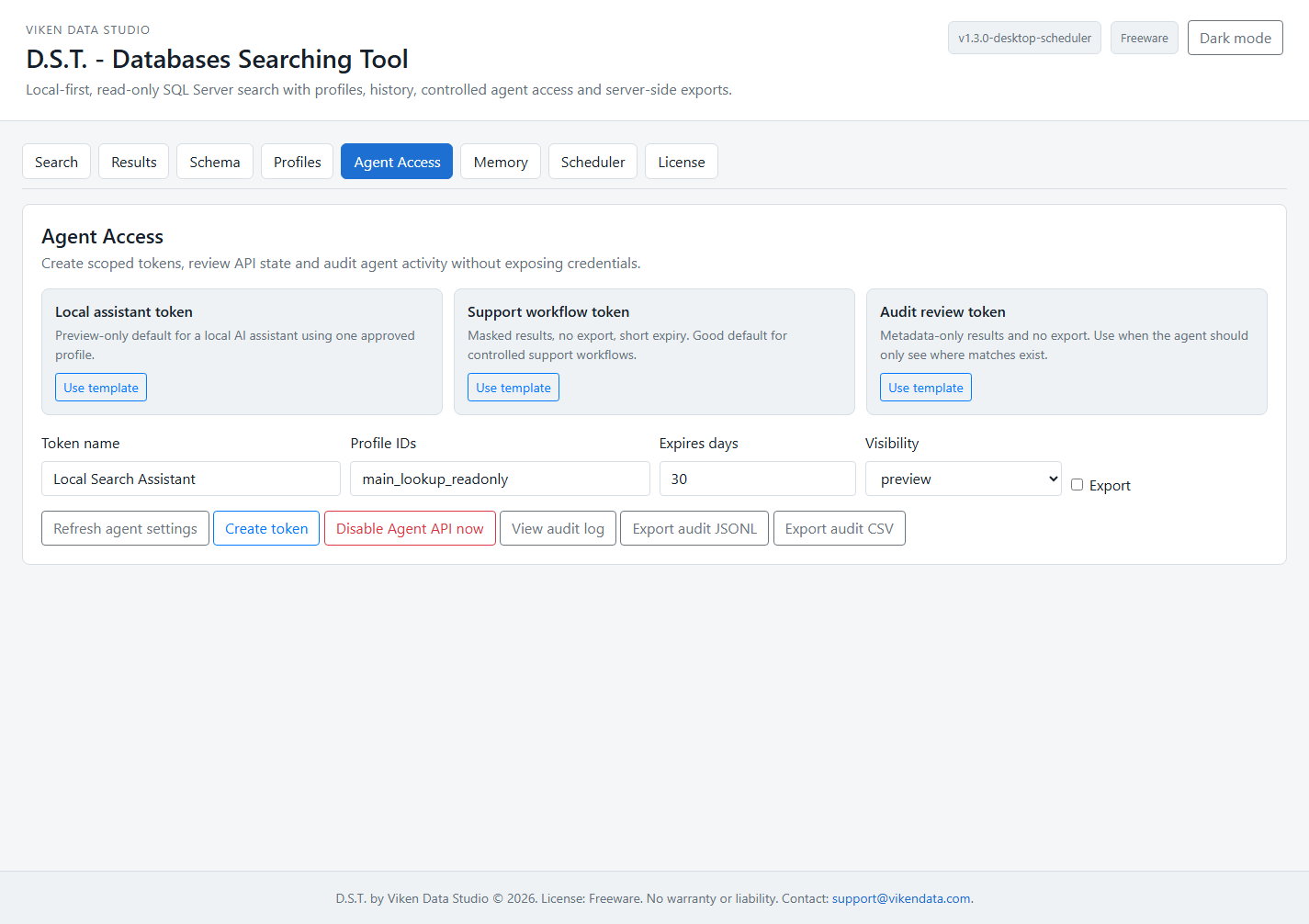
Forbidden fields: Agent request bodies are rejected if they contain server, user, password, connection_string or sql anywhere in the JSON body.
Troubleshooting
Where to look when something does not work.
http://127.0.0.1:8765 manually, check /health or change the port.next_run_at, profile history settings and concurrency limits.